Audio Effects

Satellite
Delay · Sync 1/256 - 8/1 · Free-run

Ripple
Plate reverb
Rostrum
Stereo placement · 5 fixed bands · Pan / Height / Depth / Width

Shuttle
Ping-pong delay · Sync 1/256 - 8/1 · Stagger
Tank
Spring reverb · Two springs · Decay 0.5 - 6 s

Rotor
Stutter · Grid 1/128 - 1 bar · Pitch 0 to -24 st
Pump
Sidechain ducker · External key or self
Bookends
High-pass + low-pass · 12 dB/oct · No resonance

Iris
Resonant low-pass · 4-pole ladder · Drive
Kiln
Saturation · One curve · Drive 0 - 36 dB
Oxide
Tape · 3.75 / 7.5 / 15 / 30 ips · Flutter

Doppel
Stereo chorus · Modes I / II

Staircase
Pitch echo · -5 to +4 st · Octave voice
Rerun
Micro-loops · Up to 4 layers · 1/2x - 4x · Host sync
Factory
DJ channel · 3-band isolator, kill to +6 dB · LP / HP filter · Resonance · Auto Gain · fader
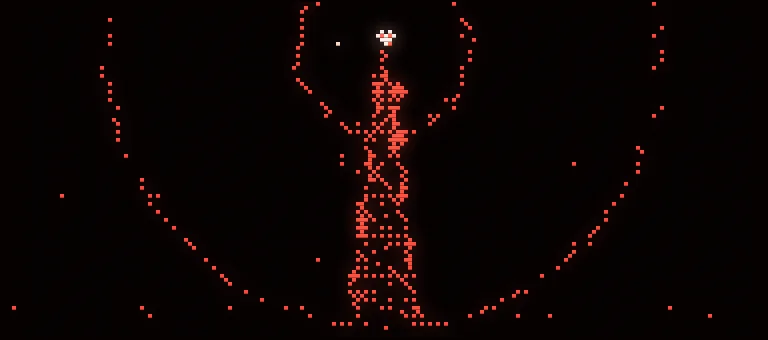
Airtime
Radio master · AGC, four-band compression, clipper, limiter to −1 dB · one Drive knob
Instruments

Tock
Drum machine · 11 drums · General MIDI map

Leviathan
Drum machine · 16 voices · Long bass on channel 2
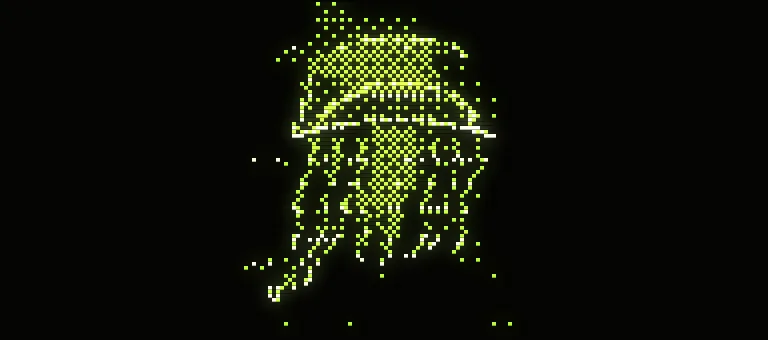
Nettle
Acid bass · Diode ladder · Accent / Slide

Vigil
Poly synth · 6 voices · Chorus I / II · 24 presets

Procession
Poly synth · 6 voices · Chorus / Phase / Ensemble · 24 presets

Herald
Brass poly · 8 voices · 24 presets

Pirouette
FM electric piano · 16 voices · 24 presets
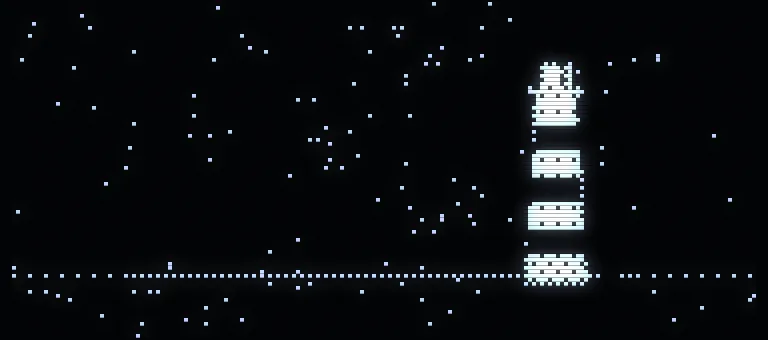
Beacon
Analog drum machine · 8 voices · Separate outs

Origami
Mono synth · 2 oscillators · Ladder filter · 24 presets

Blackout
FM bass · 4 operators · 24 presets

Nebula
FM pad · 16 voices · 24 presets
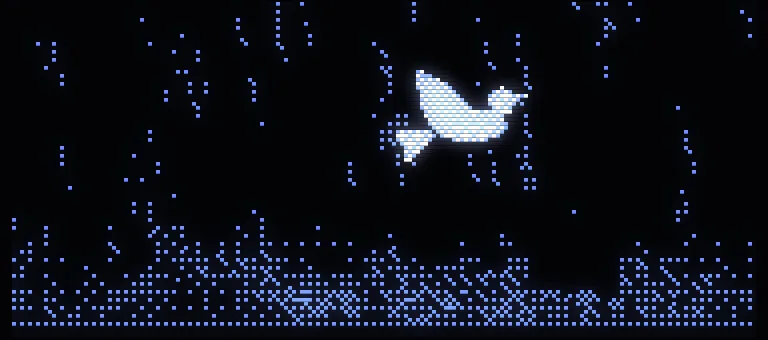
Dove
FM lead · Glide · Vibrato · 24 presets
MIDI Effects
Coming soonFirst MIDI units on the way
How to install
Windows
- Download and run the installer. Every plugin is ticked; untick any you don't want. They go in C:\Program Files\Common Files\VST3, and the synth presets in C:\ProgramData\VST3 Presets\Wit
- First install only: Windows may say it protected your PC, as it does for any download it hasn't seen before. More info, then Run anyway.
- Restart the DAW, or rescan plugins.
- To remove one later, run the installer again and untick it. Apps > Wit Suite removes everything.
Mac
Coming soon